As an OIDC Identity Provider
OpenID Connect is an interoperable authentication protocol based on the OAuth 2.0 specification framework (IETF RFC 6749 and 6750). Starting from KubeSphere v4.1.3, the OpenID Connect protocol’s Authorization Code Flow has been implemented for extensions to integrate with the KubeSphere account system. This tutorial uses Harbor as the OIDC client. After configuration, KubeSphere accounts can be used to log in to Harbor.
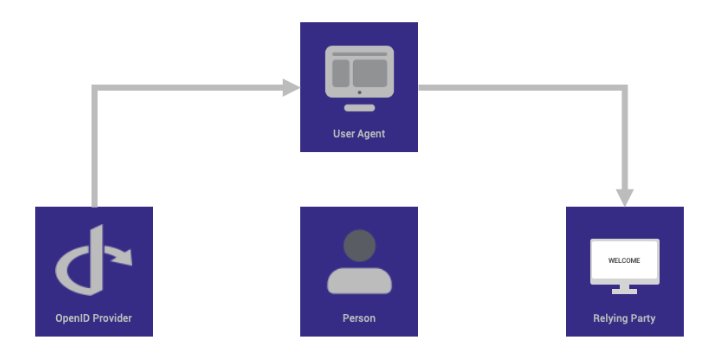
Basic SSO Flow Based on OIDC
-
The end-user accesses a website or web application via a browser.
-
The end-user clicks login and enters their username and password.
-
The Relying Party (client) sends a request to the OpenID Provider (OP).
-
The OpenID Provider authenticates the user and obtains authorization.
-
The OpenID Provider returns an Identity Token, often accompanied by an Access Token.
-
The Relying Party can use this Access Token to send requests to the user’s device.
-
The UserInfo Endpoint returns relevant identity claim information about the end-user.
Deploy KubeSphere
The following commands need to be added after the installation command:
  --set portal.hostname=172.31.17.16.nip.io \
  --set portal.https.port=30491 \
  --set ingress.enabled=true \
  --set ingress.tls.enabled=true \
  --set ingress.ingressClassName=kubesphere-router-cluster
Example:
| Note |
|---|
The following command is for example only. Please modify it according to your actual installation command. |
chart=oci://hub.kubesphere.com.cn/kse/ks-core
version=1.1.1
helm upgrade --install -n kubesphere-system --create-namespace ks-core $chart --version $version --debug --wait \
  --set portal.hostname=172.31.17.16.nip.io \
  --set portal.https.port=30491 \
  --set ingress.enabled=true \
  --set ingress.tls.enabled=true \
--set ingress.ingressClassName=kubesphere-router-cluster| Explanation |
|---|
Before applying the configuration, ks-console needs to be exposed via HTTPS in advance. In this tutorial, ks-console is exposed using the ingress method. Use the KubeSphere gateway extension to create a cluster gateway, with the corresponding IngressClass being |
| Parameter | Description |
|---|---|
|
The domain name or IP used to access KubeSphere Console (replace with the actual node IP address) |
|
The port used to access KubeSphere Console |
|
Ingress, TLS configuration |
|
The IngressClass corresponding to the Ingress (needs to use an existing IngressClass) |
Create a New OAuth Client
cat << EOF | kubectl apply -f -
apiVersion: v1
stringData:
  configuration.yaml: |
    name: harbor
    secret: password123
    grantMethod: auto
    scopeRestrictions:
      - 'openid'
      - 'email'
      - 'profile'
    redirectURIs:
      - https://harbor.172.31.19.17.nip.io/c/oidc/callback
kind: Secret
metadata:
  name: oauthclient-harbor
  namespace: kubesphere-system
  labels:
    config.kubesphere.io/type: oauthclient
type: config.kubesphere.io/oauthclient
EOF| Parameter | Description |
|---|---|
|
The ID of the OAuth Client |
|
The Secret of the OAuth Client |
|
The list of callback URLs supported by the OAuth Client |
OIDC Configuration Reference
Using Harbor integration with OIDC as an example
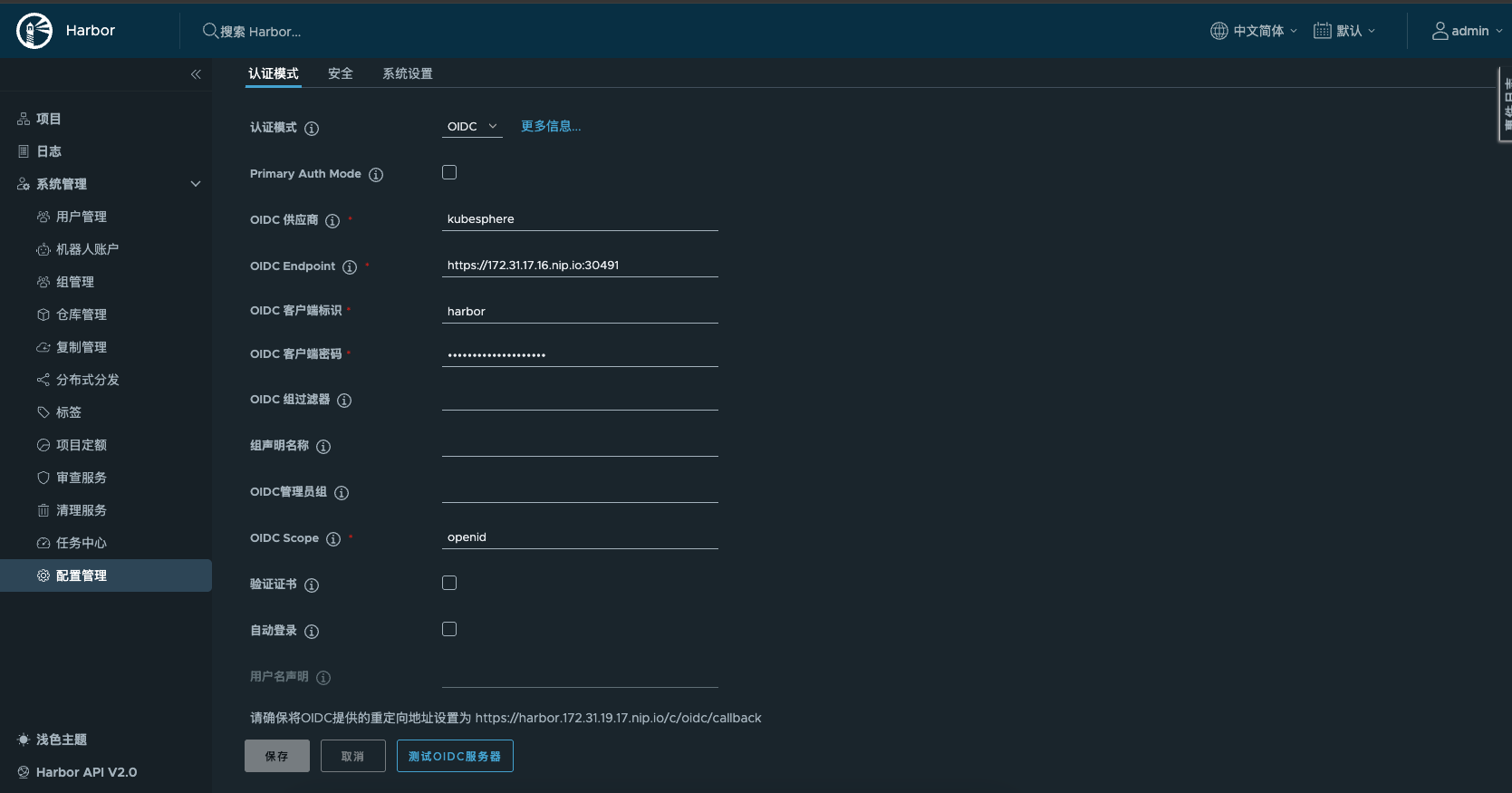
Logging in to Harbor using the OIDC method
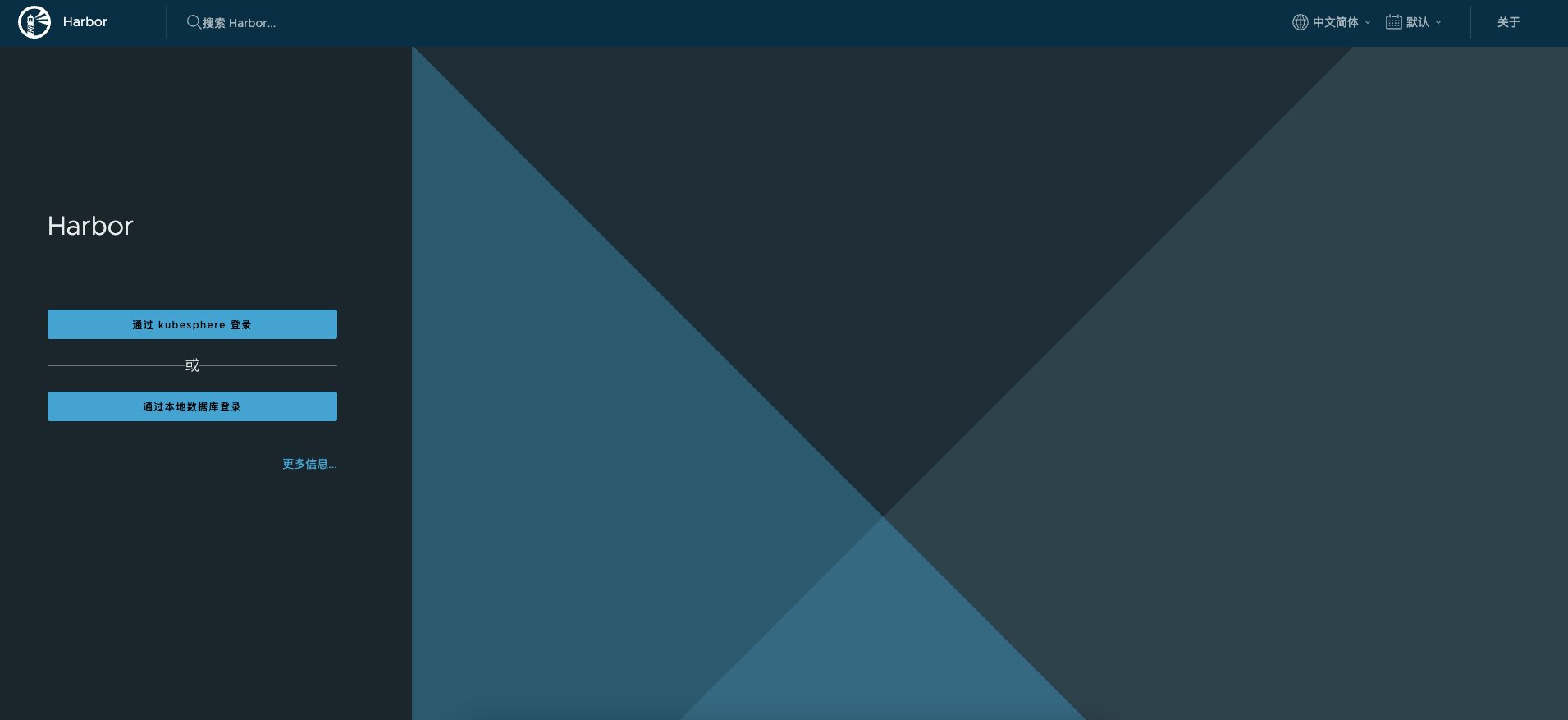
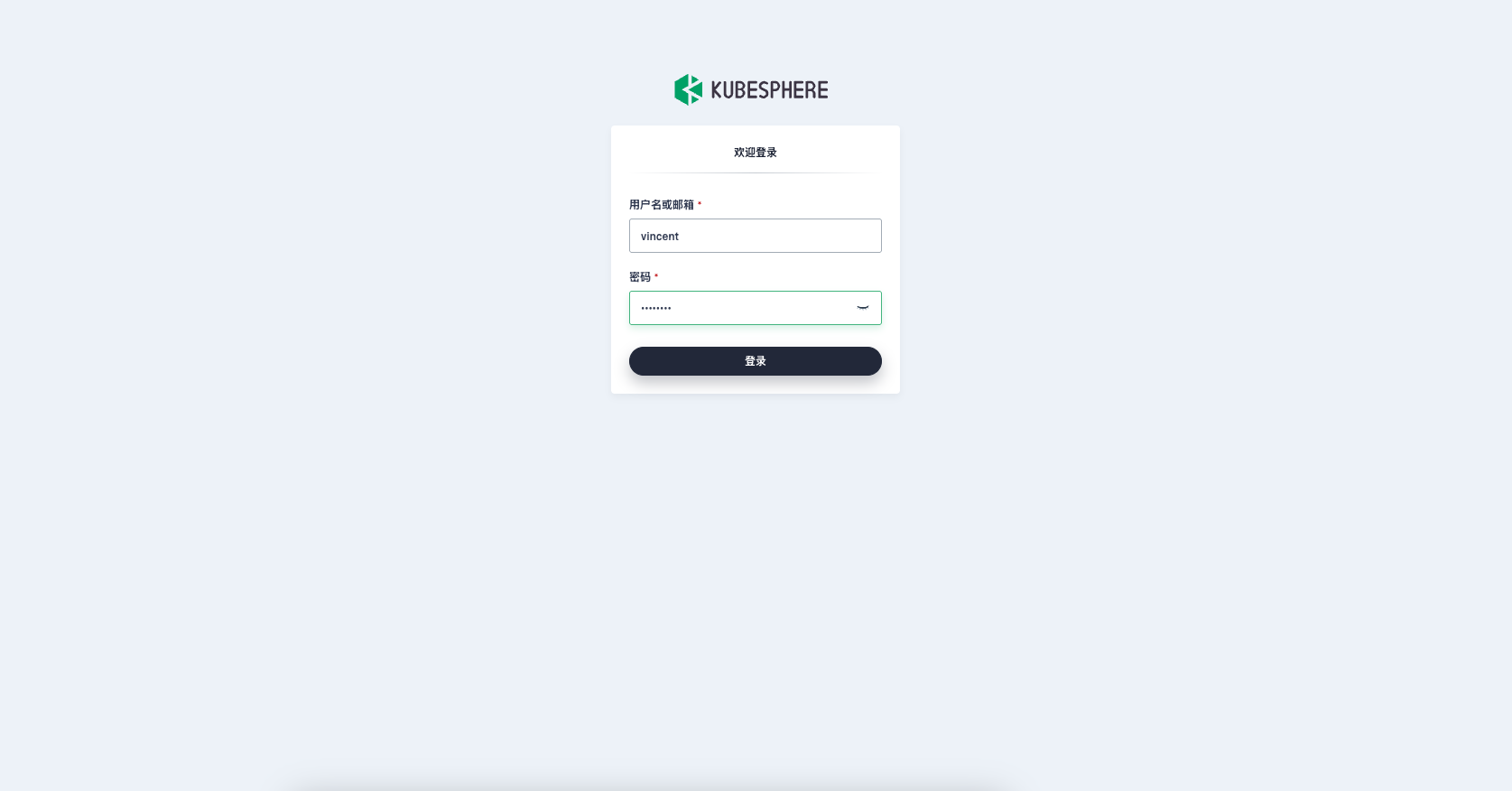
Logging in to KubeSphere Console
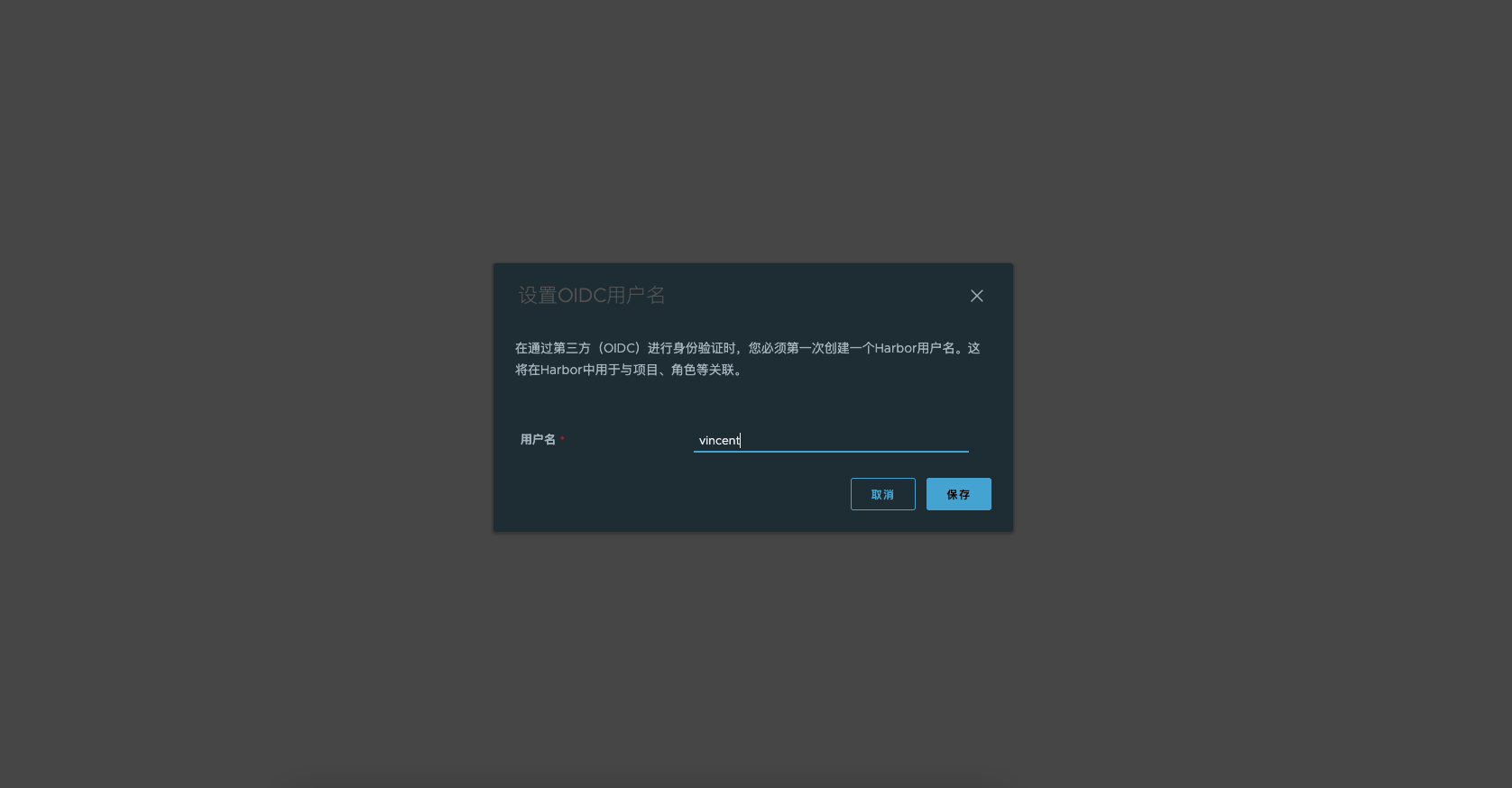
First-time login, associating Harbor account