Left Navigation Pane
Time updated:2025-12-22 09:26:17
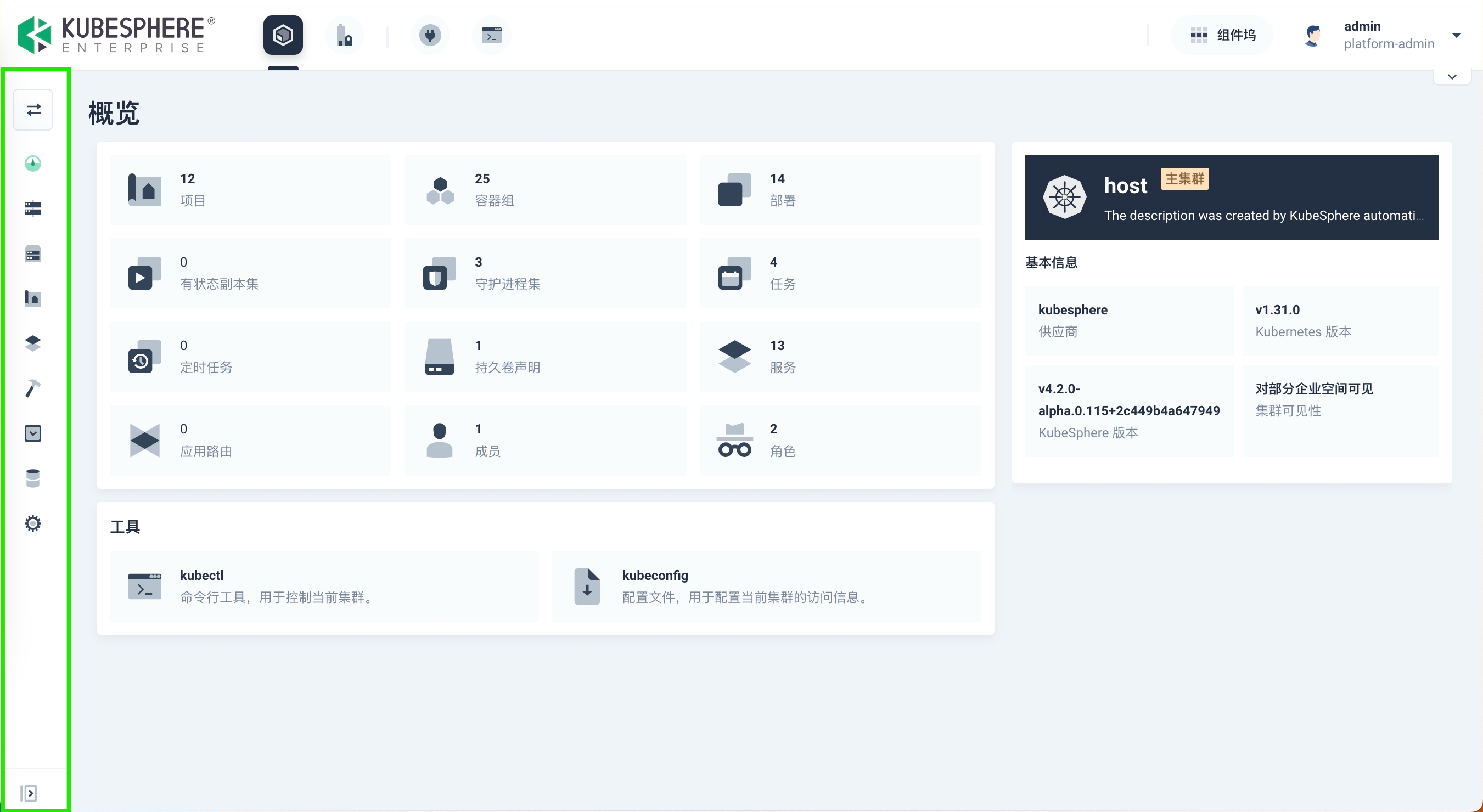
The KubeSphere web console supports collapsing the left navigation pane.
On pages such as Cluster Management, Workspace Management, Users and Platform Roles, and Platform Settings, you can click  or
or  to collapse or expand the left navigation pane. When collapsed, the left navigation pane only displays icon buttons. Hover your mouse over an icon and click the text that appears to quickly switch pages.
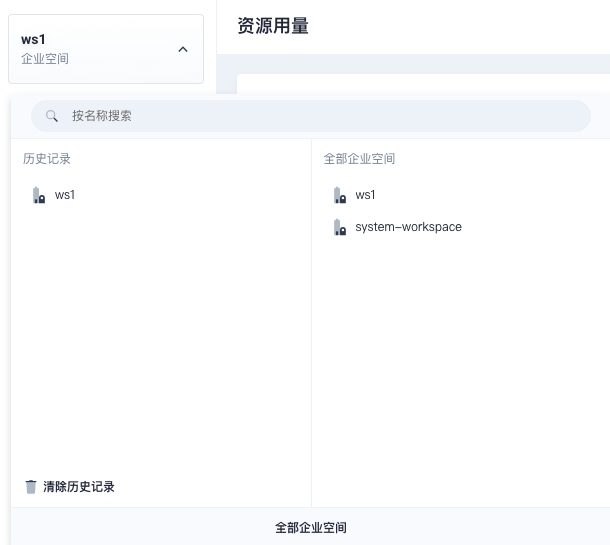
Furthermore, on the Cluster Management and Workspace Management pages, after collapsing the left navigation pane, you can click  , or after expanding it, click
  to view the history of visited clusters and workspaces as well as the complete list. Click again to hide it, further enhancing operational convenience.